Cisco Learning Network Store Promotions Page
Showing posts with label Linux Mint 17. Show all posts

9.21.2015

Worried about Windows 10 privacy? Use Linux

Windows 10 is a wonderful operating system. Every day, I boot a computer running Microsoft's latest operating system to get work done. On the surface, everything is peachy-keen. Sadly, under the hood, there are some legitimate privacy concerns. There is a bunch of information being sent to Microsoft, and you may not even know it. This has caused programs like the wonderful O&O ShutUp10 to be created.
 
Luckily, Windows is not the only game in town, folks. Actually, there are many wonderful operating systems available to you at no charge. Unlike Windows 10, where it is only free with a prior licence, most Linux-based operating systems are entirely free. Period. If you want to try one of these open-source operating systems, you may be confused as to where to start. Don't worry, I am here to help. Here are the distributions and software you should use.
 
A good place to get started in selecting a distro (short for "distribution" and meaning operating system) is the wonderful DistroWatch. This site can alert you to new operating systems, information about the top choices and show you where to download them. The problem, you see, is that beginners will get confused quickly by all the choices. Plus, some operating systems are more appropriate for beginners than others.
 
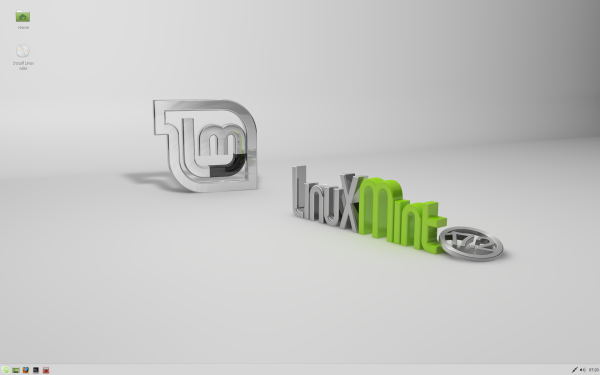
To keep things simple, I am going to recommend only two, both of which are great. My top choice is Netrunner 16, with the second being Linux Mint 17.2 Cinnamon. I have highlighted these particular operating systems because Windows users should be fairly comfortable in them. Both the Cinnamon and KDE desktop environments are straightforward with a very slight learning curve.
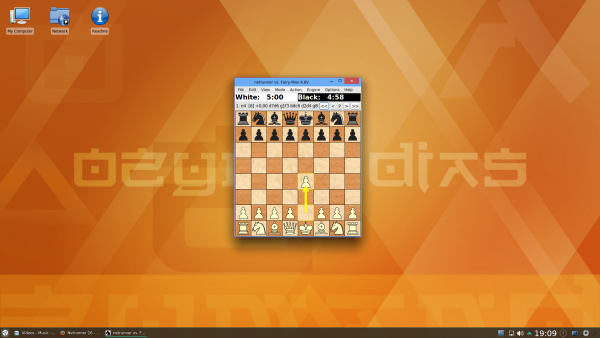
 
 
The reason I make the lesser-known Netrunner my top pick, is the amount of pre-loaded software and overall polish geared towards the user experience. No doubt, you want software like web browsers, image editors and office suites, and this operating system comes with all of that ready "out of the box". It comes with a whole lot more actually, including games and other goodies.
 
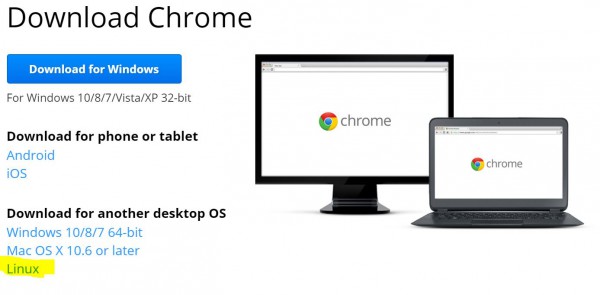
If you want to surf the web, many Linux-based operating systems, including Netrunner and Mint, will ship with Firefox. Mozilla's web browser is wonderful, and I suggest using it. If you prefer Google Chrome, no worries -- that can be installed too. Since both Netrunner and Mint are based on Ubuntu, you can install the typical .deb installation files, which Google supports.
 
 
Are you a Microsoft Office user? Well, I have good and bad news. The good news is, there is an alternative called Libreoffice. The bad news? It is not as good as Office. You know what? For home users, that is probably OK. If you want basic word processing and the occasional spreadsheet for budgeting, Libreoffice is free and wonderful. If you are a professional who depends on SharePoint and Microsoft Office integration, Linux and Libreoffice just aren't for you.
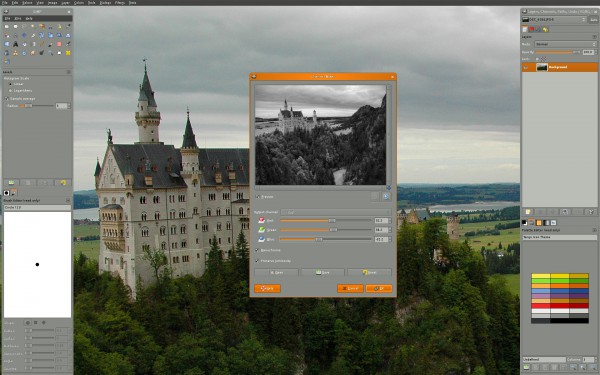
 
 
If you are an amateur Photoshop user, or just curious about advanced image editing and manipulation, Adobe's software is not available for Linux. You know what is though? Gimp, which stands for "GNU Image Manipulation Program". It is very powerful software which, like most Linux software, is totally free. There is plenty of documentation and support online, so you can learn, or even master it, if you try. Best of all, it is also available on Windows and OS X, so if you switch operating systems in the future, your knowledge will not be wasted.
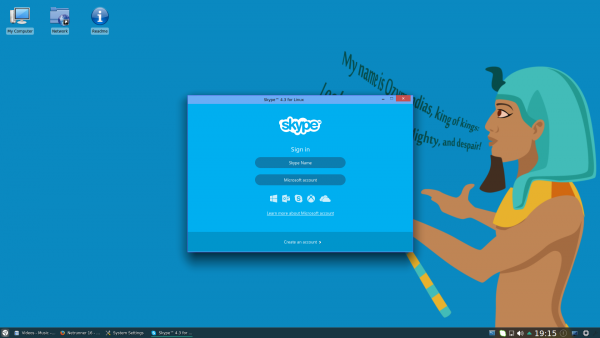
 
 
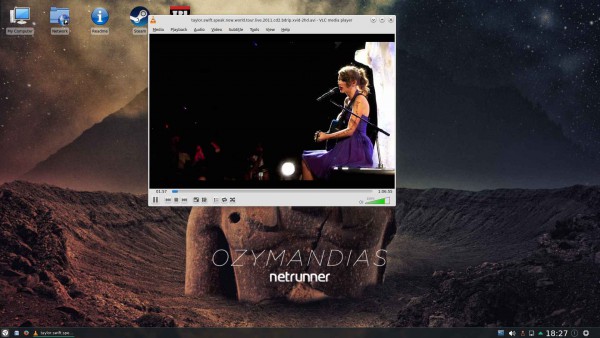
Believe it or not, there are other popular Windows software available as Linux versions too. Which ones? How about Skype for communications, VLC for video, Spotify for music, and Steam for gaming. Part of the fun of Linux is discovering all of the amazing programs that are available. Go ahead and jump in -- you will enjoy yourself and learn at the same time.
 
If you want to try either of my suggested distros, you can download them below. For most modern computers, you should get the 64-bit versions.
Back to the Windows 10 privacy issue for a moment. Am I worried about it? Not really -- I think it is very overblown. Will I stop using Microsoft's operating system? Hell no. With that said, it is always good to have choice, and Linux offers that. If you feel uncomfortable with the confusing privacy settings, that is totally understandable, and your feelings are valid. You should be comfortable and anxiety free with your computing.
 
Are you concerned about Windows 10 privacy settings? Will you jump to Linux? Tell me in the comments.
 
Photo credit: Viachaslau Kraskouski / Shutterstock
 
~ Brian Fagioli

7.17.2015

Linux Mint 17.2 'Rafaela' KDE and Xfce release candidates are here


Whether you are a beginner or expert, Linux Mint is a great distribution. Not only is it very easy to use, but beautiful too. It is quite apparent that the developers care for the operating system.
 
The two default desktop environments for Linux Mint -- MATE and Cinnamon -- are both wonderful, but I prefer the latter. A short period after the launch of a new version of the OS -- this time 17.2 Rafaela -- the Mint Team also releases KDE and Xfce editions as alternatives. Today, the release candidates for those environments become available, with Xfce updated to 4.12, and KDE brought to 4.14.2.
 
Clem Lefebvre, Linux Mint founder explains core features to be "MDM 2.0, a Linux kernel 3.16 and an Ubuntu 14.04 package base". Lefebvre further explains that the operating system, "is a long term support release which will be supported until 2019".
 
The Mint Team also shares the following improvements
  • The USB Image Writer and the USB Stick Formatter now recognize a wider variety of USB sticks. They also feature improvements in terms of partitions alignment, boot flags. Sticks are better described and the tools also now use less CPU than they did before.
  • LibreOffice was upgraded to version 4.4.3.
  • HPLIP was upgraded to version 3.15.2, for more HP printers to be recognized and supported.
  • HAL was reintroduced to support DRM playback in Adobe Flash (note that this helps with certain video websites, but not all of them, a tutorial was written to workaround other DRM/Flash issues)
  • In the repositories, Inkscape was upgraded to version 0.91.
 
So, are you ready to download it? Right on, bro. You can download the release candidates using the below torrent links. Remember, you should never install pre-release software on production machines -- unless you are cool and live dangerously. But seriously, don't do it!
 
KDE
Xfce
~ Brian Fagioli

1.08.2015

Linux Mint 17.1 'Rebecca' KDE Edition is here -- Linux fans download it now!

 
The year 2014 proved wonderful for Linux; however, it was not the fabled 'Year of the Linux Desktop". Quite frankly, that year may never come, but that is OK. The open-source kernel is dominating the mobile space with Android, and that is arguably more important anyway.
 
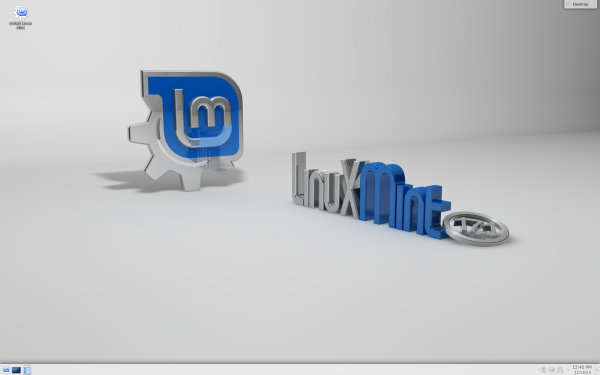
Linux Mint in particular shone brightly last year, with wonderful releases and updates. Today, the distribution is continuing that trend in 2015 with the all-new Linux Mint 17.1 'Rebecca' KDE Edition. If you are a fan of KDE, your time is now -- get downloading!
 
If you aren't familiar with KDE, please know it is much more than a desktop environment. The KDE team explains it is, "an international technology team that creates free and open source software for desktop and portable computing. Among KDE's products are a modern desktop system for Linux and UNIX platforms, comprehensive office productivity and groupware suites and hundreds of software titles in many categories including Internet and web applications, multimedia, entertainment, educational, graphics and software development".
 
Many Mint users will choose Cinnamon and Mate, as those are the typical desktop environments for the distro. Those are good choices, but KDE offers better customization and features. With that said, some people complain that it has too many options, which can be overwhelming.
 
 
If you are interested in KDE, however, you are probably wondering, "why not just use Kubuntu?'", and that is a valid question. Both operating systems are great, but Mint's enhancements, such as the awesome Update Manager, make it a far better experience.
 
Clement Lefebvre lists the following features of the KDE-based release:
So if you are running an older version of Linux Mint KDE, you should almost definitely upgrade if your computer meets the system requirements. Heck, if you are just interested in learning about Linux, you should definitely give this a try; it is a great operating system for both beginners and advanced users alike.
 
You can download the operating system here.
 
Photo CreditOllyyShutterstock
 
~ Brian Fagioli

11.17.2014

Linux Mint 17.1 'Rebecca' RC now available with either Cinnamon or Mate

 
The Linux kernel is constantly evolving and adapting; there is a reason it has seen great success on servers and mobile devices. On the desktop, however, Linux-based operating systems hold a paltry amount of usage share; it is almost non-existent in the grand scheme of things. With that said, many modern Linux distributions are very usable, easy to install, and have great support communities.
 
While I am a Fedora user, there is only one Linux distro that I suggest to people -- Linux Mint. Why? Well, it is a very easy-to-use operating system, and for people coming from Windows, it can look rather familiar. The people behind Mint are very accommodating too; they actually listen to users! Since it is based on Ubuntu, there are tons of packages available, for which you can use the popular APT package manager when needed. Today, a release candidate (RC) of Linux Mint 17.1 'Rebecca' becomes available -- download it now.
 
"Linux Mint 17.1 is a long term support release which will be supported until 2019. It comes with updated software and brings refinements and many new features to make your desktop even more comfortable to use", says Clement Lefebvre, Linux Mint.
 
A big part of 17.1 is the updated desktop environments -- Cinnamon and Mate. The former focuses on added eye candy, while the latter is more light-weight (it is a fork of Gnome 2.x). With that said, Mate can be made to look rather snazzy by using Compiz.
 
 
Most users with modern computers will want to target Cinnamon, which is updated to version 2.4. The Mint team explains, "a lot of care went into attention to details and Cinnamon 2.4 received many little improvements to make your experience smoother and more enjoyable than before".
 
The operating system will feature the 3.13 kernel and is built on the stable Ubuntu 14.04 base. Even though Linux Mint 17.1 RC is probably safe and stable, I still caution that you do not install a release candidate on a production machine. However, if you do decide to install, you can download the appropriate torrent below.
You can learn more about the new features by clicking here (Cinnamon) or here (Mate)
 
Photo Credit: benik.at / Shutterstock
 
~ Brian Fagioli

6.05.2014

Mint 17: The best Linux desktop to date

Summary: I've used hundreds of Linux desktops over the years, and Mint 17 with Cinnamon is my favorite one to date.
 
Over the decades—yes decades—I've been using Linux desktops, I've had many favorites. Now, I have a new one: Linux Mint 17. I expect it to be my favorite for a long time to come.
 
Linux Mint 17 "Qiana"
I can say that because this version, now a late release candidate. like its base operating system, Ubuntu 14.04, is a long-term support edition. It will be supported until 2019. This makes this edition one that businesses should consider.

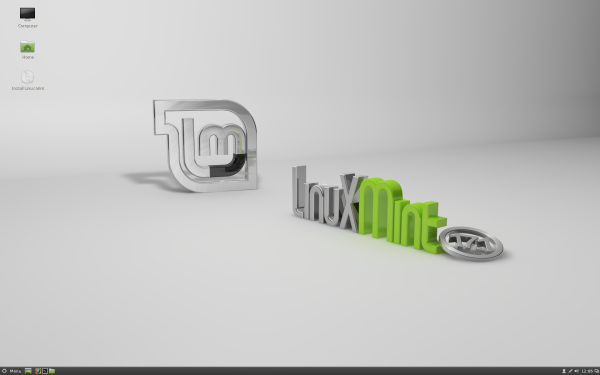
In particular, I love Linux Mint 17 with the Cinnamon 2.2 interface. This GNOME 3.x-based desktop is a great windows, icons, menus, and pointer (WIMP) interface. Windows XP users will find it far more familiar than Windows 8's oddball tiled desktop. I also like the MATE interface, which builds on top of the GNOME 2.x interface; but for simplicity's sake I'm going to focus just on Cinnamon.
 
Like almost all Linux desktops, Mint is free and it can run on almost any PC you have at hand. All it requires is an x86 processor; 512 MBs of RAM (you'll be happier though with 1GB); 5 GBs of disk space; a graphics card that can handle 800×600 resolution; and a DVD drive or USB port. That's all.
 
Unlike most of its Linux brothers and sisters, Mint also includes many proprietary programs. So, for example, you can play Adobe Flash videos and DVDs from your Mint PC without jumping through any hoops. Mint doesn't include proprietary drivers such as the ATI or NVIDIA drivers; it does make it easy to install drivers.
 
Another nice feature, which Mint does shares with most modern Linux distributions, is that you don't have to commit yourself to it. You can try it out by running it from a live USB thumb-drive or DVD drive before actually installing it.
 
In my case — since I know Mint like the back of my hand — I went ahead and installed it not just on test systems but on my production desktop and laptop. Yes, I'm a brave Linux user!
 
My work desktop is a Dell XPS 8300. This PC uses a 3.4GHz quad-core Intel Core i7 processor, has 8GBs of RAM, and an AMD/ATI Radeon HD 5770 graphic card. Mint 17 “Qiana” ran perfectly on it. The new Mint also ran flawlessly on my Lenovo ThinkPad T520 laptop. This computer comes with a 2.5GHz Intel Core i5 processor, 4GBs of RAM, a 500GB hard drive and an integrated Intel HD Graphics 3000 processor.
 
This didn't come as a surprise. I haven't had a hardware compatibility problem with any Linux in years. The one annoying thing about Mint, however, is that you can't just upgrade from one version to another. Instead, you must over-write your existing system.
 
On both systems, installing Mint was as easy as falling off a log. There's nothing complicated about it. You just hit yes to most of the questions, give your computer a name, give yourself a login name, and you're in business.
 
Another potential problem for some users is that to install Mint 17 on a Windows 8 PC with Secure Boot, you'll need to turn Secure Boot off. Since I find Secure Boot much more of an annoyance than a benefit this doesn't bother me in the least.
 
For its default programs, Mint sticks with its tried-and-true formula of LibreOffice 4.2 for its office suite; Firefox 28 for its Web browser; Thunderbird 24.4 for its e-mail; and Pidgin 2.10 for instant messaging. Personally, I prefer Chrome for my Web browser and Evolution for e-mail. Mint makes it easy to mix and match my software of choice to its distribution.
 
Indeed, in a related development, this new version of Mint makes both updating the system, your installed software, and your drivers much easier. For example, besides simply having a better display with more information, Update Manger now tracks all your system's upgrades no matter how they were made: Update Manager, apt-get, aptitude, gdebi or dpkg, whatever you use — it now records what you've changed.
 
The operating system and Cinnamon paired together have had many minor improvements. For instance, previous versions of Cinnamon came with a hard-coded list of system tray icons to hide. This list is now gone and Cinnamon now dynamically shows relevant system tray icons when applets are removed, or to dynamically hide them when applets are added.
 
Expert users will also appreciate that hot corners, settings to make use of the display's four corners, have now been made easy to customize.
 
Put it all together and you have a very fast, very secure, and very smooth and easy to use desktop. While other operating systems lately seem to be determined to make things harder for users—and no, I'm not just talking about Microsoft and Windows—Mint's developers keep improving an already superb desktop experiences.
 
You don't have to take my word for it. Download and install it for yourself and you'll see what I mean.
 
~ Steven J. Vaughan-Nichols