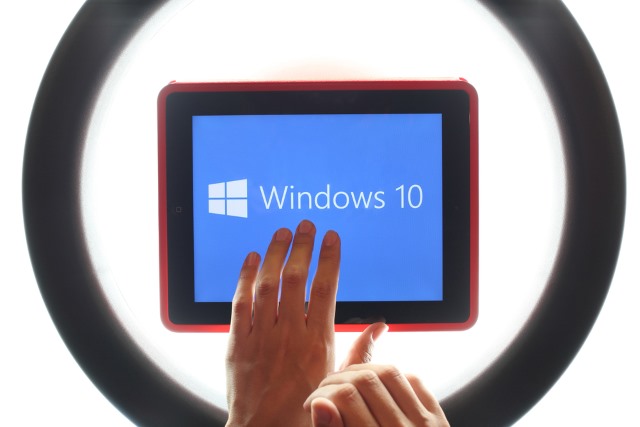
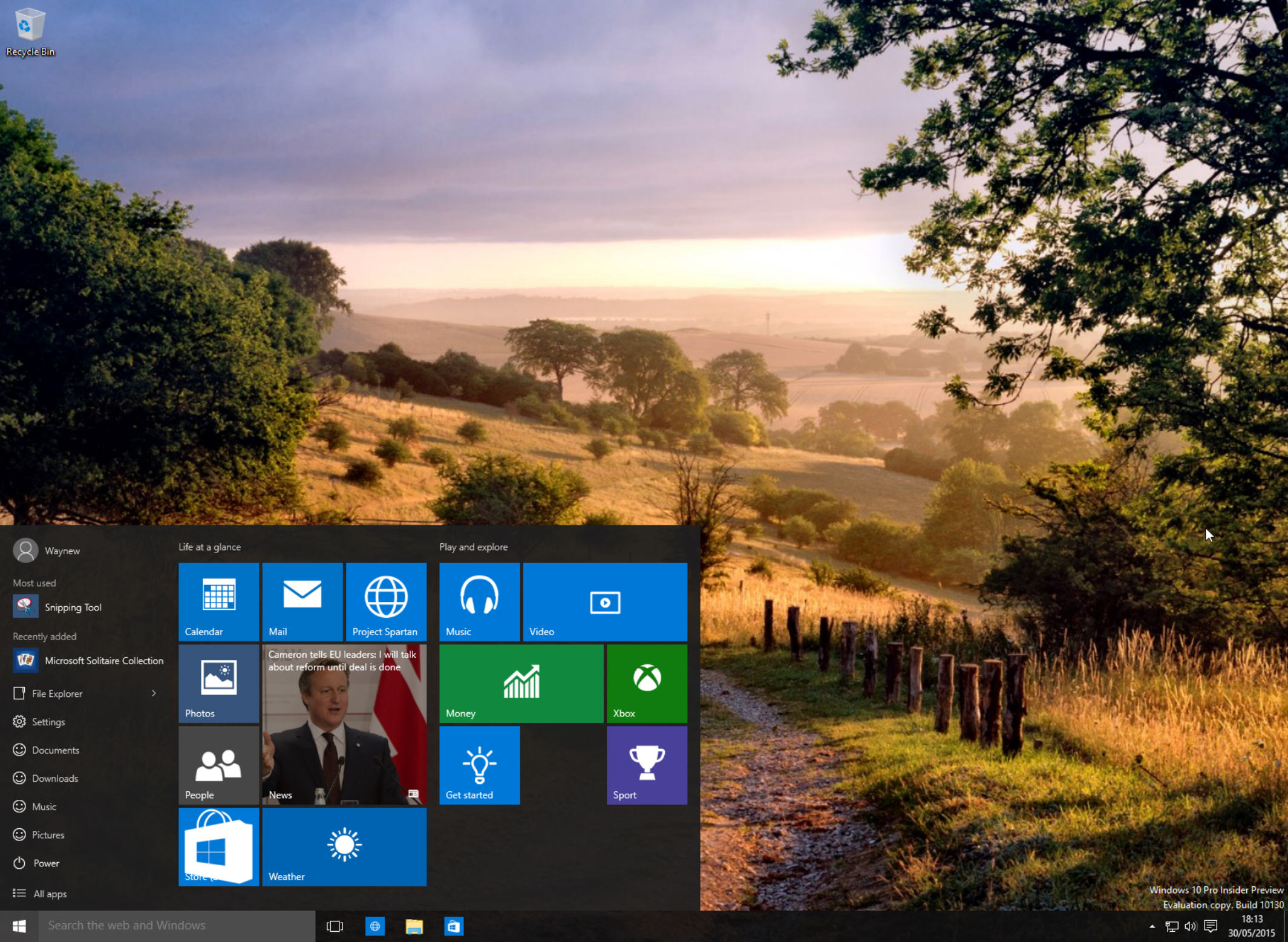
Windows Insiders now have a new build to test, as Microsoft just
released Windows 10 Insider Preview Build 14342 to Fast Ring. As always,
users can expect a significant number of improvements and bug fixes to
be included, but also some known issues to be present.
One of the biggest changes is related to Wi-Fi Sense. Because it has not
been very popular with Windows 10 users, Microsoft is not dropping its
biggest feature -- the ability to share Wi-Fi networks with contacts.
Wi-Fi Sense will still be available in upcoming builds, though with
limited functionality.
"The cost of updating the code to keep this feature working combined
with low usage and low demand made this not worth further investment.
Wi-Fi Sense, if enabled, will continue to get you connected to open
Wi-Fi hotspots that it knows about through crowdsourcing",
explains Microsoft's Gabe Aul.
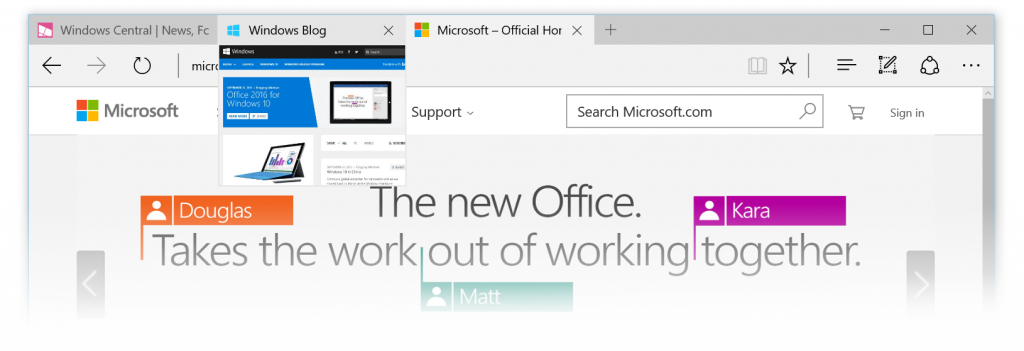
Now, let's talk about Microsoft Edge. As you may have read, AdBlock and AdBlock Plus have made their way to Windows Store,
enabling the browser's users to block advertisements. This latest build
is, of course, compatible with both, though Microsoft notes that you
should only be using one at a time.
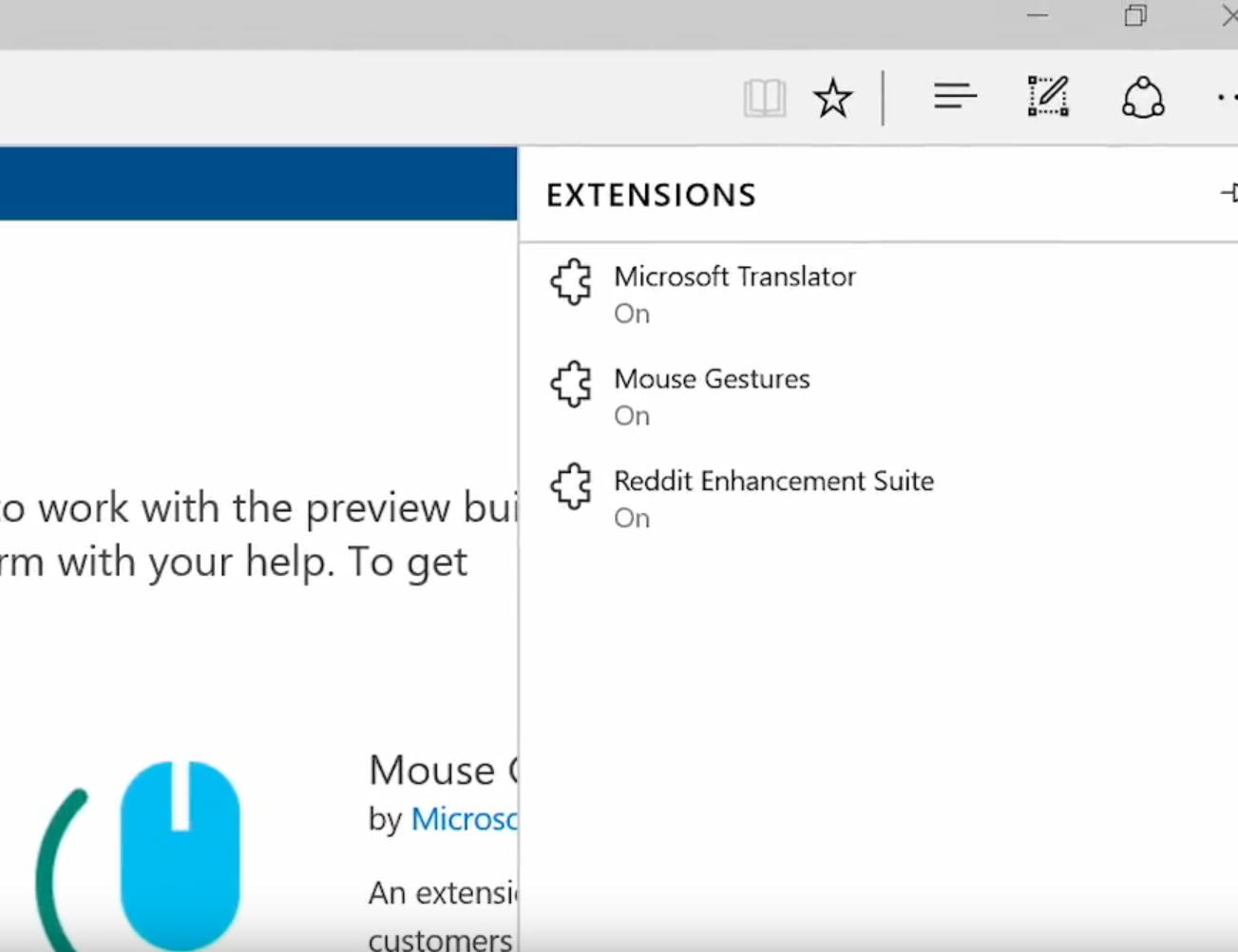
Microsoft also notes that you should not turn off all of your Microsoft
Edge extensions. A bug can rear its ugly head, affecting context menus
and preventing the browser from closing. Microsoft advises uninstalling
the extensions that you are not using, instead of disabling them; in the
case you are seeing this bug, just kill any Microsoft Edge processes
with Task Manager and turn at least one extension on.
Microsoft Edge is also getting real-time web notifications, which, when
used, will lead to a notification being displayed in the Action Center.
You will be able to test this feature using Skype for Web, for instance.
Last but not least, swiping back and forth in Microsoft Edge will now
allow you to navigate back and forward. This feature is going to be
available in the upcoming Windows 10 Mobile build too.
Bash on Ubuntu on Windows is getting some attention in this build. You can read the whole list of improvements
here,
but here two of the most important ones: symlinks within Windows
Subsystem for Linux are now functional on mounted Windows directories
and users with non-Latin usernames can now install Bash on Ubuntu on
Windows.
Skype now gives you the option of enabling a dark theme and switching
between multiple accounts. There is an updated mobile version coming "in
the next few weeks", Microsoft says.
Feedback Hub gets some improvements of its own, now suggesting
categories and subcategories when you create new feedback. A
middle-click now dismisses a notification.
Microsoft has also updated the Windows Ink Workspace icon and the
visuals for User Account Control, and introduced a landing page for Apps
for websites, in the Settings menu under System -- any apps that will
support it will show up there. For those who are not familiar with it,
Apps for websites allows developers to have their apps open when users
visit a certain website. For instance, you could soon see Facebook
wanting to open when you visit facebook.com.
Below you can see the list of bug fixes in Windows 10 Insider Preview Build 14342
- We have fixed the issues blocking the Desktop App Converter Preview
(Project Centennial). You can now run the converter on the Enterprise
edition as well as Pro edition of Windows. You will need the latest
converter and base image from here to take advantage of all the improvements which will be available later today.
- We fixed the issue causing Tencent online games from not working in current builds from the Development Branch.
- We have fixed the issue causing DRM-protected content from services
like Groove Music, Microsoft Movies & TV, Netflix, Amazon Instant
Video or Hulu from being playable with playback with 0x8004C029 or
0x8004C503 errors.
- We fixed an issue resulting in audio crashes for users who play
audio to a receiver over S/PDIF or HDMI, and use a driver that supports
real-time encoding via technologies like Dolby Digital Live or DTS
Connect.
- Polished the animation when invoking Cortana on the Lock screen. And
also resolved an issue where tapping the link to fix mic issues
wouldn’t fix them.
- We fixed an issue resulting in the ok/cancel buttons in the network flyout being clipped on high DPI devices.
- We fixed an issue where you might see Windows Hello messages on the screen while you were already logging in with a fingerprint.
- We fixed the issue where if you were in an app and clicked on a link
with a URL longer than 260 characters, it would bring up the "Open
with..." dialog instead of opening with your default browser.
- We fixed an issue resulting in not being able to use your mouse in
the Photos app to either move photo while zoomed or adjust crop region.
- The ALT + Y keyboard shortcut to choose "yes" now works with the updated UAC UI.
- Updated new Credential UI to add support for pasting into username and password fields
- Polished icons used to identify pages in the Settings app – in
particular, updated battery icon to be more consistent with the weight
of the other icons.
- Made some polish improvements to the Action Center, and resolved an
issue where icon in Taskbar wasn’t displaying correctly at 175 percent
DPI.
- We fixed an issue where the image used in Screen Sketch would be
rotated 90 degrees for native portrait devices (such as the Dell Venue 8
Pro). Also polished the experience of cropping images in Screen Sketch.
- We fixed Clock and Calendar flyout issues on the taskbar with the
24-hour time format where the agenda items would display using 12-hour
format instead of the 24-hour time format and certain items would be off
by 12 hours.
- We fixed an issue where the Clock and Calendar flyout couldn’t be
dismissed by clicking on the date and time in the taskbar a second time.
- We updated the "set location" notification so tapping anywhere in
the notification will now enable you to set a default location.
- We fixed an issue where certain shortcuts weren’t working in UWPs, for example CTRL + C, CTRL + V, and ALT + Space.
- We fixed an issue where tapping the battery icon wouldn’t open the Battery flyout when in Tablet Mode.
- We fixed an issue where clicking elements in the Start navigation pane might result in the Store opening instead.
- We fixed an issue where background audio tasks might show up in the volume controls.
- We added a "Clear Input History" option to the IME Settings page.
- We fixed an issue where doing an action on a file in a folder pinned
to Quick Access after using the address bar to get there might result
in File Explorer unexpectedly navigating to Quick Access.
- We fixed an issue resulting in Cortana crashing if you shared an avatar with Cortana from the Xbox Avatars app.
- We fixed an issue causing the search box on the Language Settings page to not work.
Now, here are also the known issues present in this build:
- Feedback Hub is not localized and the UI will be in English (US) only, even with language packs installed.
- Feedback Hub takes about 20-30 minutes after updating to this build
to download and populate itself if launched from Start. If you launch
Feedback Hub from All apps -- it will force the app to hydrate.
- Symantec products such as Norton Antivirus and Norton Internet Security are causing PCs to bluescreen (bug check).
- The QQ app from Tencent crashes. We’re working on a fix for the issue.
- If you are using a non-English keyboard, you can’t accept Bash prompts.
- We are investigating an issue where if you’re running Insider
Preview builds in certain languages, the All apps list on Start appears
empty. A workaround for this is to use search to launch apps.
- You may see square boxes in certain apps when using some of the new
emoji -- we’re still getting things set up, this will be resolved in a
future build.
Windows 10 Insider Preview Build 14342 is available now. Yesterday,
Microsoft released a cumulative update for Windows 10, which you can
read about
here.
Photo credit: Stanislaw Mikulski /
Shutterstock
~ Mihăiță Bamburic