Don’t expect a genuine Start button, or a raft of exciting new apps -- Microsoft isn’t about to reinvent the wheel this close to RTM. However, the software giant has introduced one big new addition which might appeal to anyone thinking of migrating to the tiled OS, as well as a selection of smaller changes.
What’s New?
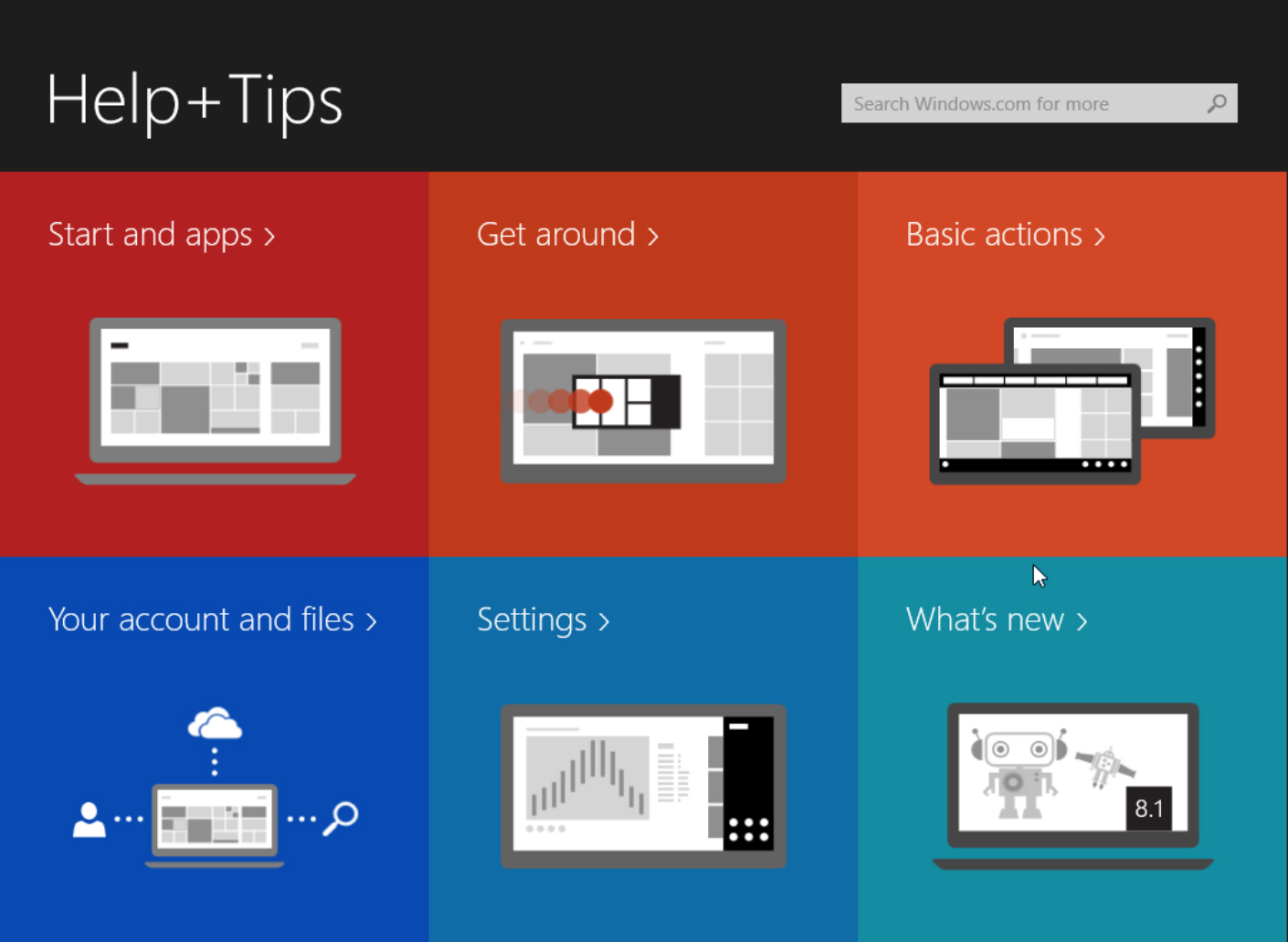
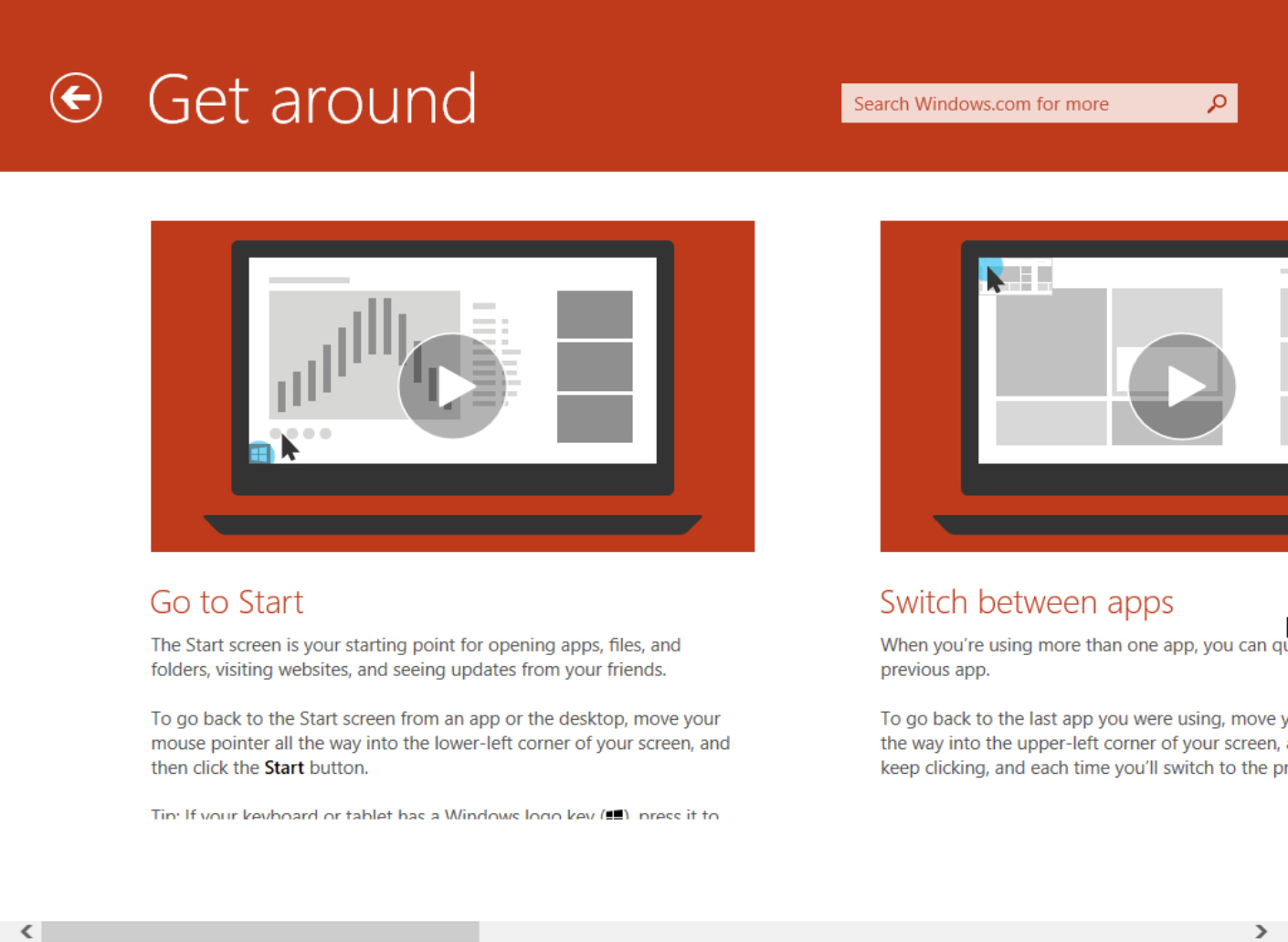
Windows 8 has a somewhat tricky learning curve to navigate (even Windows division CFO Tami Reller admitted as much in an interview with the New York Times three months ago), and Windows 8.1 does its bit to make the divisive OS easier to use with a new Help + Tips section which offers guides on using Start and apps, getting around, and performing basic actions, as well as information on your account and files, settings, and what’s new in Windows 8.1.
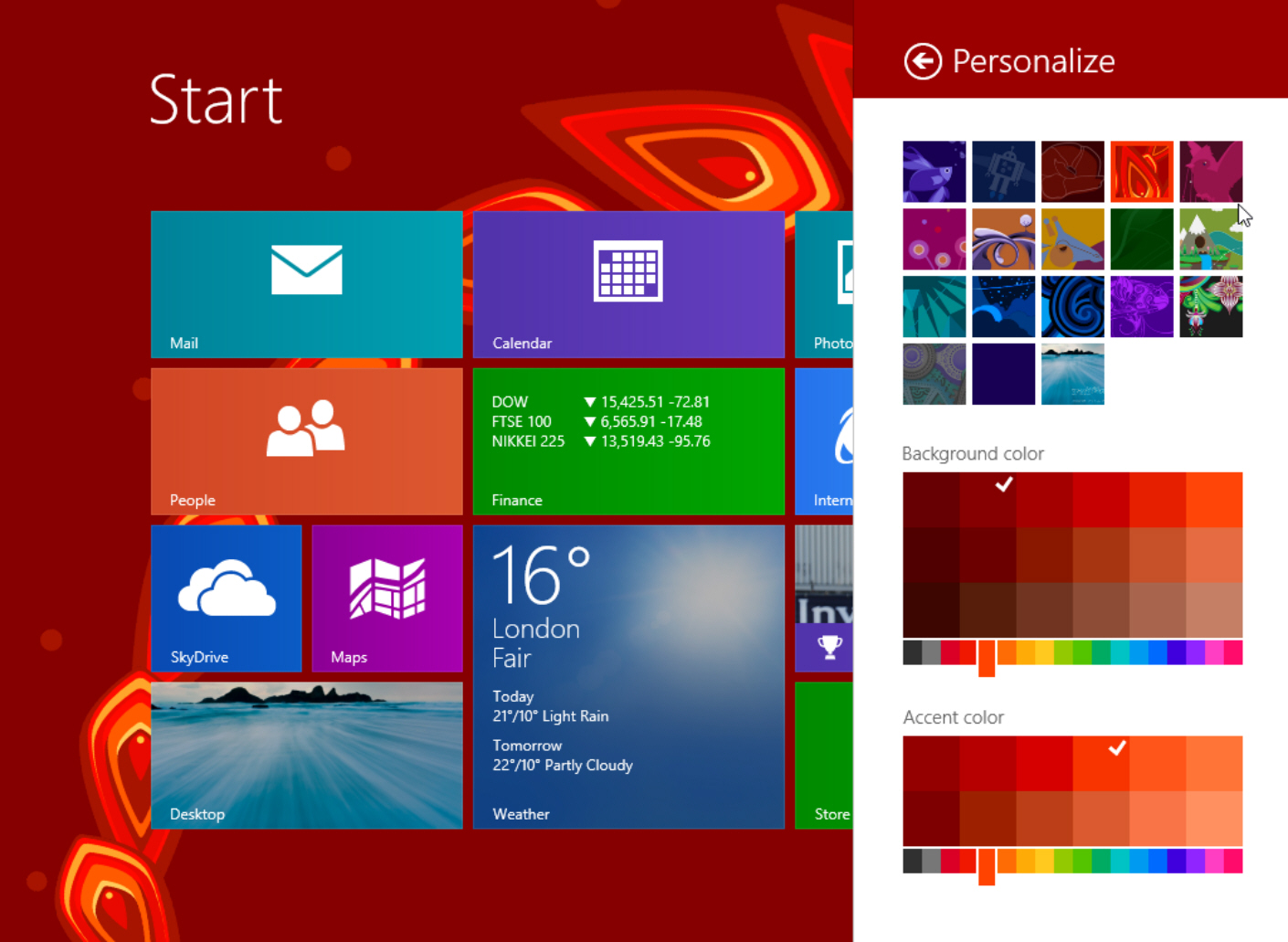
The People app has been refreshed and gains a slightly improved UI, and the ability to add friends to favorites.
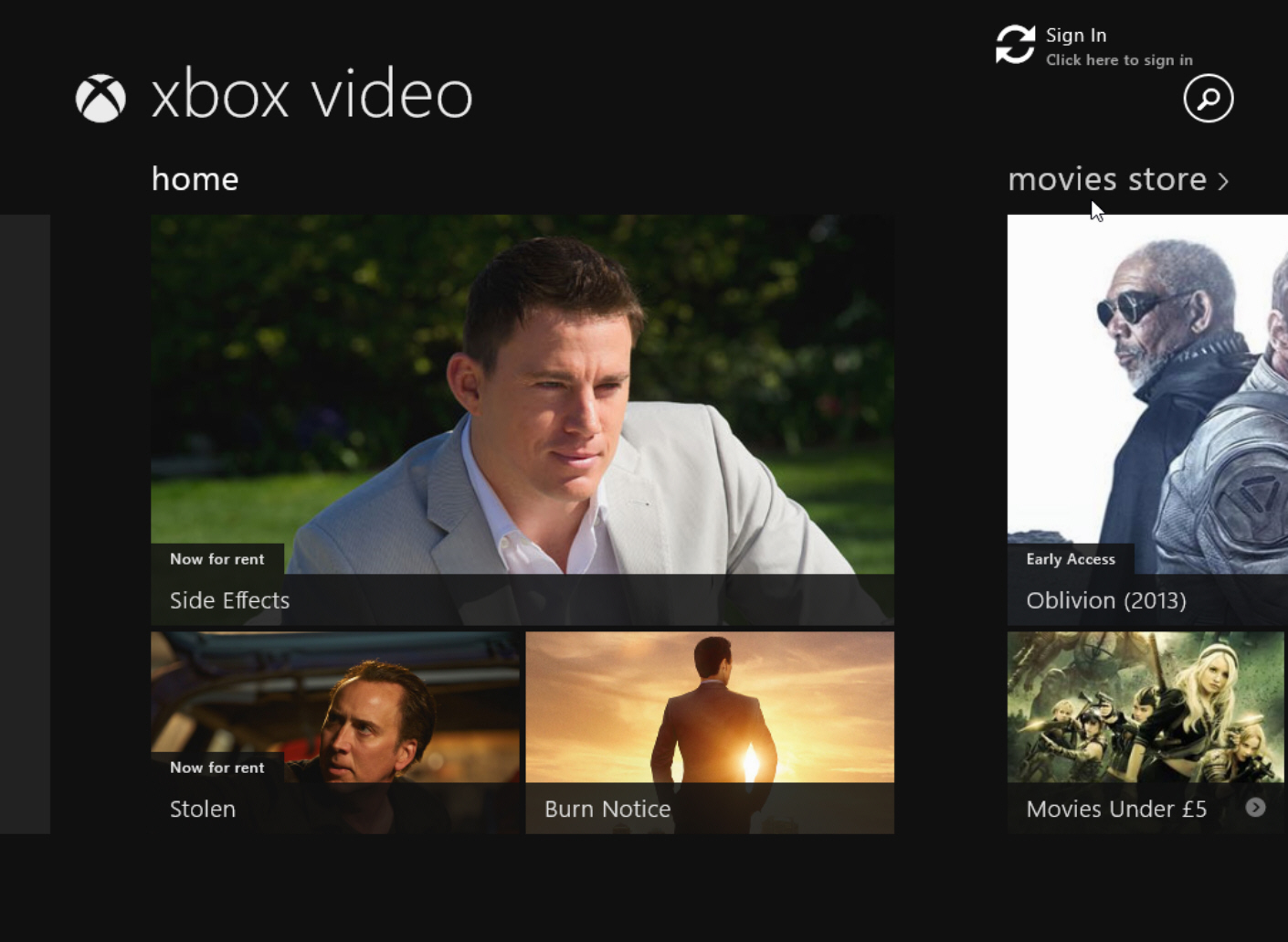
The Xbox video app has been given a makeover with a darker background, and unsurprisingly looks like the Xbox One interface.
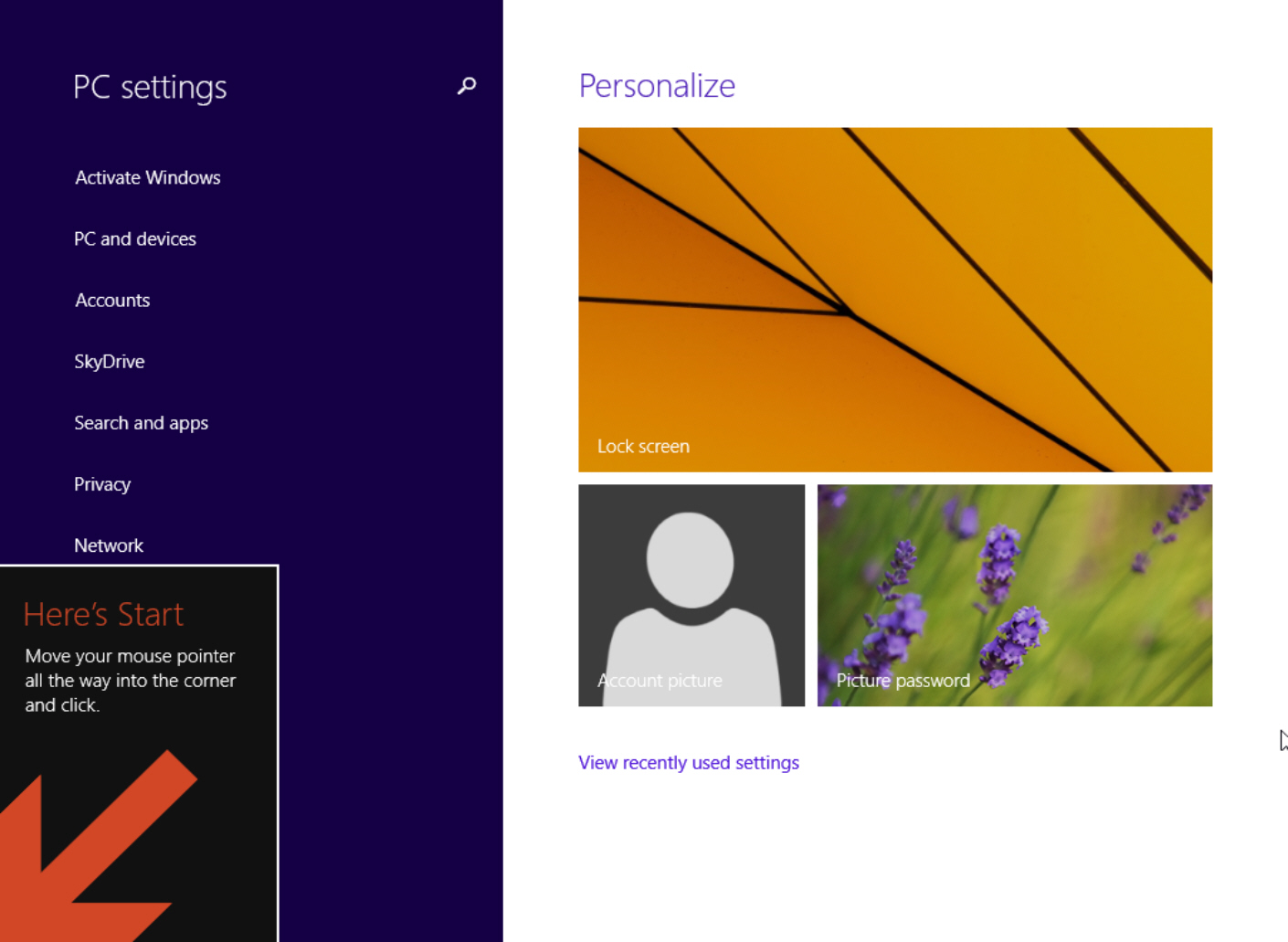
Other new features include Skype being pre-installed, and the return of Assigned Access. Also, interestingly, now when you start using Windows 8.1 for the first time, a large arrow will show you where the new Start button lives. Again helping to straighten that learning curve.
There’s nothing astoundingly different or amazing here, but of course you wouldn’t really expect there to be. The updated build has just had some housekeeping done, bringing it closer to the RTM milestone. Should you wish to try out the leaked version for yourself, you’ll find it on the usual torrent sites. For obvious reasons it makes sense to run it in a virtualized environment rather than replacing your existing OS or dual booting.
So what do you think about the changes and additions -- will the new Help + Tips section do enough to encourage new users confused by Windows 8 to make the leap? As always, leave your comments below.
~ Wayne Williams
No comments:
Post a Comment